
Facebook Video Downloader: How to Save Videos & Reels (2026 Guide)
Two years ago I lost a video I can never get back. My grandfather telling a story at a family dinner, posted by a cousin who later deleted her Facebook account. The clip was there one week and gone the next. I had watched it maybe forty times and never once thought to save a copy, because it felt permanent. It wasn’t — and a Facebook video downloader would have kept it safe in under sixty seconds.
That’s the thing nobody tells you about Facebook video. You don’t own any of it. Not the clips your friends post, not the Reels you bookmark, not even the videos you upload yourself once the original file gets wiped off your phone to free up space. Facebook decides how long that content lives, and Facebook can change its mind.
So let’s talk about how to actually keep the videos that matter to you — in real HD, without a screen recording that looks like it was filmed through a dirty window.
Why Facebook Makes This Harder Than It Should Be
Instagram at least gives you a “Save” bookmark that survives most things. YouTube sells you Premium and lets you download officially. Facebook? Facebook gives you a save button that is basically a browser bookmark with extra steps. Tap it, and you’ve saved a link. If the uploader deletes the post, changes their privacy settings, or nukes their account entirely, your saved link points at nothing.
This isn’t hypothetical. In February 2025, Meta changed its live video storage policy so that new live broadcasts are kept for only 30 days before automatic removal — and live videos already older than that were deleted outright. Years of streams vanished on a schedule. People who had downloaded their broadcasts kept them. People who assumed Facebook was an archive did not.
There’s a technical reason behind all of this, and it isn’t malice. Facebook serves video through a content delivery network that generates temporary, signed URLs. Those links expire. They’re designed to expire. The platform wants you inside the app, scrolling, seeing ads — not sitting on a folder of MP4 files you can watch offline while their ad inventory goes unsold.
Understanding that changes how you approach the problem. You’re not fighting a bug. You’re working around a business decision.
First, The Part Most Guides Skip
Before any of the how-to: not every Facebook video is yours to download.
Saving a clip of your niece’s birthday party that your sister posted publicly? Fine. Keeping a copy of a video you uploaded yourself in 2019 and no longer have the source file for? Absolutely fine — that’s your own work, and Facebook even offers an official route for it through its export your information tool, though the archive it produces is slow and bloated. Grabbing a documentary clip for a class presentation with attribution? Often defensible, but the rules are genuinely messy — the U.S. Copyright Office maintains a Fair Use Index of actual court decisions, and reading a few of them will tell you more than any blog post can.
Ripping a creator’s original video and reuploading it to your own page as if you made it? That’s theft, and it’s also the fastest way to get your account restricted. Downloading someone’s private video that was shared with a closed group they trusted? Don’t.
The rule I use, and I’d suggest you use it too: download for yourself, not for redistribution. Personal archive, offline viewing on a flight, backing up your own memories. Those are the use cases this article is written for.
Method 1: Using an Online Facebook Video Downloader

This is what I reach for ninety percent of the time. A browser-based Facebook video downloader works identically on a Windows laptop, a MacBook, an Android phone, or an iPhone. Nothing to install, nothing to update, no permissions to hand over.
Step one: grab the video link
On desktop, click the three dots in the top-right corner of the post and choose Copy link. On the mobile app, it’s the same three-dot menu, then Copy link — Facebook occasionally shuffles this menu around, so if you don’t see it immediately, look under the Share sheet instead.
A shortcut a lot of people miss: if the video is playing full-screen, you can just copy the URL from your browser’s address bar. Works fine. The link will look messy with tracking parameters attached, and that’s okay — a decent downloader strips those out automatically.
Step two: paste and process
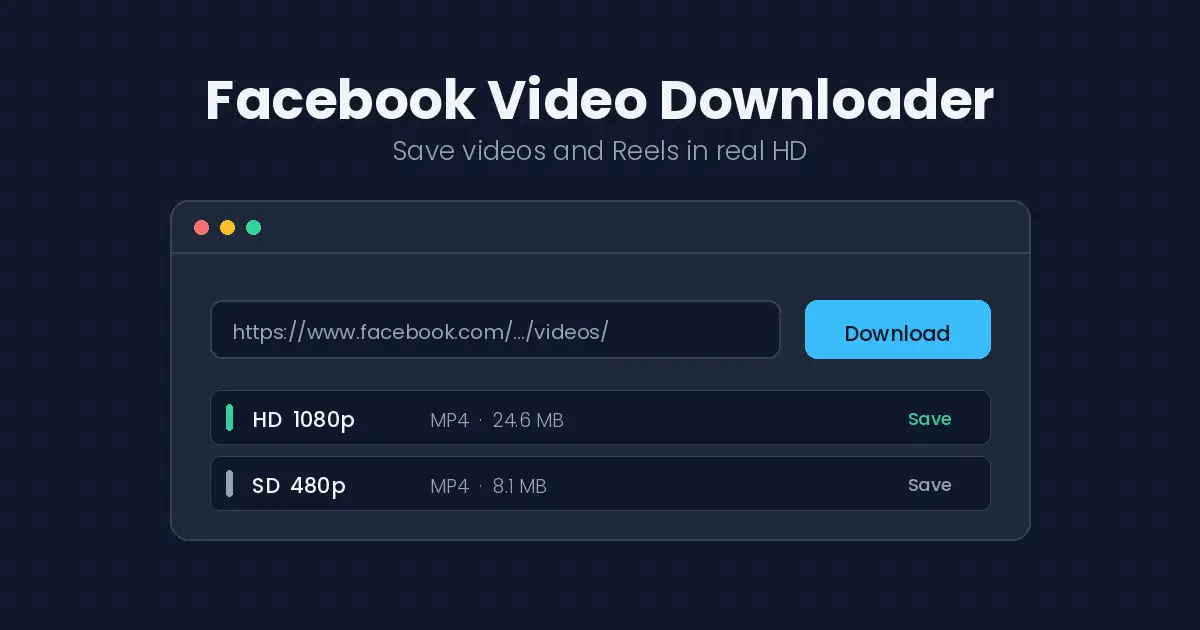
Open a browser-based Facebook video downloader, drop the link into the input field, and hit the download button. The tool queries the video’s available renditions and shows you what’s actually on offer — usually SD and HD, sometimes only one if the original upload was low quality.
Step three: pick your quality and save
Here’s the part worth slowing down for. Facebook stores multiple encodes of every video, and the one that plays in your feed is not always the best one available. Your feed playback quality gets throttled by connection speed, data-saver settings, and whatever Facebook decides your device can handle. The download options often include a better rendition than the one you were watching.
Pick HD if it’s offered. The file will be larger. It will also look dramatically better on anything bigger than a phone screen.
Method 2: Downloading on Mobile Without Extra Apps
Mobile deserves its own section because the two operating systems handle this very differently.
On Android, it’s close to painless. Copy the link, open your browser, run the Facebook video downloader, tap save. The file lands in your Downloads folder and shows up in your gallery within a few seconds. If it doesn’t appear, your gallery app just hasn’t rescanned storage yet — open the file manager and it’ll be sitting there.
On iPhone, Safari used to make this genuinely annoying. Modern iOS handles it much better: when the download completes, tap the download arrow in Safari’s address bar, then use the Share icon and choose Save Video to push it into your Photos library. Two extra taps. That’s the whole tax.
One warning I’ll repeat because I’ve watched people fall for it repeatedly: be extremely skeptical of standalone Facebook video downloader apps in either store. A large share of them are ad-injection wrappers around the exact same web tool you could have used directly, except now they’re also reading your clipboard and serving you full-screen video ads every thirty seconds. If a browser tab does the job, use the browser tab.
Facebook Reels: Same Idea, Slightly Different Plumbing
Reels have quietly become the majority of video traffic on the platform, and they behave a little differently from standard posts.
The copy-link flow is the same, but Reels URLs use a different structure — you’ll see /reel/ in the path rather than /videos/ or /watch/. Any Facebook video downloader worth using handles both, but if a tool chokes on your link, this is usually why.
Reels are also vertical, shot at 9:16, and typically compressed harder than regular uploads because they’re built for fast mobile delivery. Don’t expect miracles on quality. What you download is what was uploaded, and a lot of Reels start life as re-encoded clips that were already re-encoded somewhere else first. Nothing recovers detail that was thrown away three compressions ago.
What quality can you realistically expect?
| Source type | Typical download quality | Worth it? |
|---|---|---|
| Original HD upload (page or creator) | 720p–1080p | Yes — often better than feed playback |
| Facebook Reels | 720p vertical, heavier compression | Usually fine for phone viewing |
| Older posts (pre-2018) | 360p–480p | Grab it anyway if it matters to you |
| Cross-posted from TikTok or Instagram | Whatever survived the re-encode | Go find the original source instead |
That last row is the practical tip hiding in this table. If a video was clearly cross-posted — watermark in the corner, letterboxed vertical framing, mismatched audio quality — you’ll almost always get a cleaner file by finding it on the platform where it was originally published. Our guides for downloading TikTok videos without a watermark and saving Instagram videos cover exactly that. And if the clean moment you saved belongs in a loop, our video to GIF converter guide is the fastest way to make it one.
When Your Facebook Video Downloader Doesn’t Work
Four failures account for nearly everything people run into.
“Video not found” or a blank result. Ninety percent of the time, the post is private or restricted to friends only. Any Facebook video downloader can only reach publicly accessible content — it fetches the page the same way an anonymous visitor would. If you can’t open the link in a logged-out incognito window, no tool is going to reach it either. This is a privacy protection working correctly, not a bug to route around.
The link pastes but nothing processes. You probably copied a profile link or a share link rather than the direct post link. Open the video itself first, then copy. Shared links that bounce through l.facebook.com redirects are a common culprit.
Only low quality shows up. That’s the ceiling of what was uploaded. No tool invents pixels that were never there. Painful but true.
The download starts and stalls. Almost always a network hiccup on a large file. Retry, and if you’re on shaky mobile data, switch to Wi-Fi before pulling a 200 MB HD file.
A Habit Worth Building
The lesson from my grandfather’s video wasn’t “I should have used a downloader.” It was “I should have downloaded it the day I saw it.”
Anything genuinely irreplaceable — family footage, a friend’s wedding clip, a video of your kid that a relative posted and might delete during a spring-cleaning purge — save it the same day. It takes under a minute. Then get it off your phone and onto something that survives a lost device: cloud storage, an external drive, whatever you already trust with your photos.
Videos you like but don’t need? Just bookmark them. Not everything deserves disk space.
Frequently Asked Questions
Is using a Facebook video downloader legal?
Downloading publicly posted content for personal, offline viewing is generally tolerated in most countries. Redistributing it, monetizing it, or reuploading it as your own is copyright infringement. The legality tracks what you do with the file, not the act of saving it.
Can I download private or friends-only videos?
No, and you shouldn’t try. Downloaders access content anonymously, exactly like a stranger visiting the link. Anything behind a privacy setting stays behind it — by design.
Will the uploader know I downloaded their video?
No. Facebook doesn’t notify anyone about downloads, and there’s no view-source tracking that surfaces this to the poster.
Do I need to log in to my Facebook account?
Never. Any tool asking for your Facebook credentials is phishing. A legitimate Facebook video downloader needs exactly one thing: a public URL. If it asks for a password, close the tab.
Can I download just the audio from a Facebook video?
Some tools offer MP3 extraction. If that’s what you’re after, the same principle applies as with our guide to pulling music from YouTube as MP3 — quality is capped by the source audio, and music tracks carry their own licensing restrictions. For local files you already have, our extract audio from video guide covers the same job.
Does downloading reduce video quality?
No. You’re saving the file Facebook already encoded, not re-encoding it yourself. What you get is exactly what was served — no additional generation loss.
What This Means For You
Facebook video is rented, not owned. That’s the whole picture in six words.
You don’t need a subscription, a desktop program, or a sketchy app with four hundred permissions to fix that. A Facebook video downloader and thirty seconds gets you a real file sitting on real storage that nobody can revoke — and for the clips that actually matter, that’s the difference between a memory you keep and one you only remember having.
Go save the one you’ve been meaning to save — paste its link into any of the methods above and it’ll be on your device before you finish reading this sentence twice. And if you also save from other platforms, our roundup of the best video downloader apps keeps the same trusted toolkit in one place.
[…] GIF-as-MP4 situation is unique to X. If you’re downloading content from Instagram or Facebook, you’ll get a more straightforward video file. X’s silent-loop format is its own […]
[…] This guide covers your own content. That’s a deliberate limit, not an oversight. The same principle applies across platforms — our guide to saving Instagram videos draws the same line, and so does the one on backing up your own Facebook videos. […]